Taotao Wang
Step 1 - Develop Idea
I want to design a website that can showcase my artwork. I want the website to feel clean, personal, and visually engaging. The purpose of the site is to present my digital art works in a way that helps viewers understand my style and artistic goal.
Step 2 - Discovery and Research
For this step, I researched portfolio and websites to see how they organize images, text, and navigation. I paid attention to layout, spacing, color, and how the site guides the viewer from one section to another. I want my website to feel simple, and I want the visuals to have the most attention.
Step 3 - Inspiration
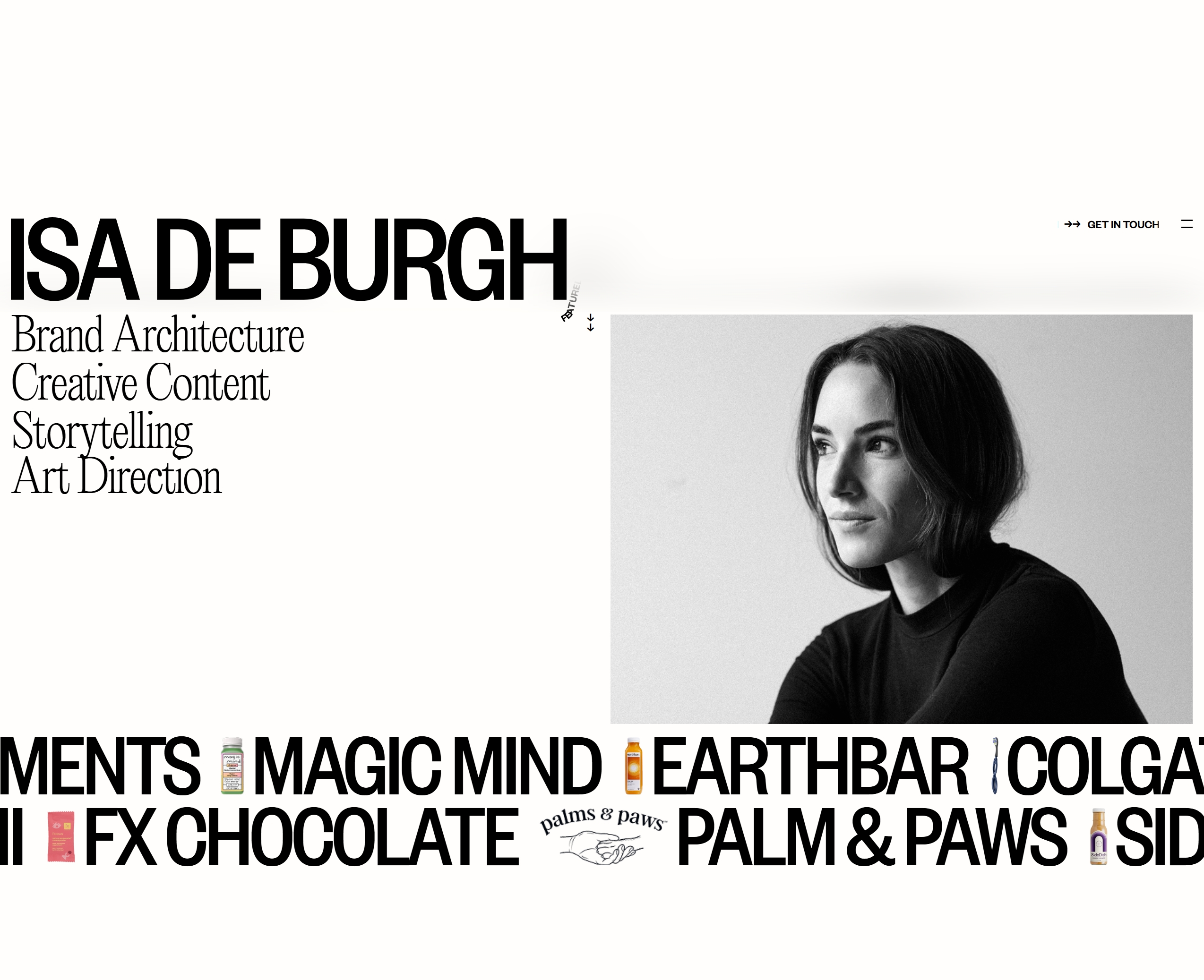
This website is clear, modern, and easy to understand. It uses a strong hierarchy, a lot of spacing, and simple sections to guide the user. I like how the website feels professional but not overwhelming. It gives me ideas about how to structure my own portfolio in a way that looks organized and polished.
Step 4 - Target Audience
I am not designing this website for one specific group. My target audience is people who have an interest in digital art and want to explore my work.
Persona 1 - Lily, Art Student
Lily is 18 years old and studies art and design. She clicks on my website because she is looking for inspiration and wants to see how other young artists present their portfolios. She would be interested in my colors, composition, and overall visual style.
Persona 2 - James, Casual Viewer
James is 25 years old and enjoys looking at digital art online in his free time. He is not an artist, but he likes creative visuals and unique aesthetics. He would click on my website because he wants to discover new artwork and experience the mood and feeling of my designs.
Persona 3 - Mia, Potential Client
Mia is 32 years old and works in a small creative business. She may be looking for an artist whose visual style fits a project. She would visit my website to quickly understand my artistic identity, see my strongest pieces, and decide whether my work matches her needs.
Step 6